4 min read
Why Storage Matters for HPC and AI
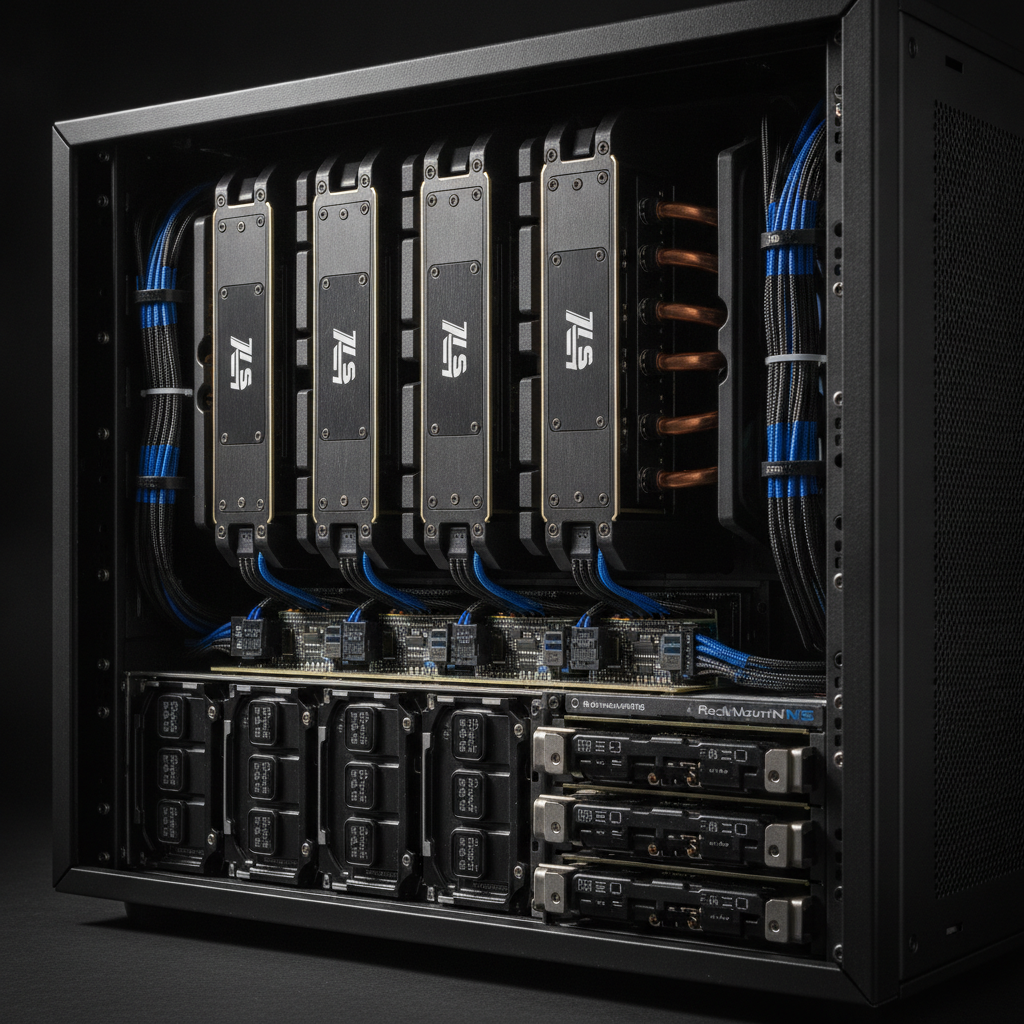
Storage choice shapes the performance of every HPC, AI, and data center project. Federal agencies, SLED organizations, and enterprises face growing data volumes every year. The wrong storage tier creates bottlenecks. The right mix keeps GPUs busy and applications responsive.
Hard disk drives (HDD), solid-state drives (SSD), and NVMe each serve a distinct role. At New Tech Solutions (NTS), we design storage architectures that match your workload—not a generic vendor checklist.
HDD, SSD, and NVMe: What Each Does Best
Before you spec a system, understand the tradeoffs between the three main drive types.
- HDD: Spinning platters store data at the lowest cost per terabyte. Best for bulk, archival, and infrequently accessed datasets.
- SSD: Flash memory with no moving parts. Much faster random I/O and lower latency than HDD. Good for databases, VMs, and general enterprise storage.
- NVMe: SSDs connected over PCIe instead of SATA. Highest throughput and lowest latency. Essential for AI training, HPC scratch space, and real-time analytics.
When to Use HDD
HDDs remain the most cost-effective way to store large volumes of data. They fit well in tiered architectures where speed is not the top priority.
- Long-term archives and compliance retention
- Backup and disaster recovery sets
- Cold storage and data lakes for future analysis
- Bulk media files and large scientific datasets
For capacity-heavy workloads, HDD arrays form the base layer of many federal and enterprise storage designs.
When to Use SSD
SSDs bridge the gap between cheap bulk storage and extreme-speed NVMe. They improve responsiveness across a wide range of applications.
- Virtual machine storage and faster boot times
- Transactional and analytical databases
- OS drives and application servers
- Frequently accessed files and user directories
Standard 2.5-inch SATA SSDs drop into most existing server bays. That makes SSD a practical upgrade path without replacing entire racks.
When to Use NVMe
NVMe removes the SATA bottleneck. For latency-sensitive workloads, the performance difference is substantial.
- AI and machine learning data pipelines that feed GPUs
- HPC scratch storage for active simulations
- Real-time analytics and in-memory database workloads
- Financial systems where microseconds affect outcomes
NVMe drives come in M.2, U.2, and PCIe add-in card form factors. Match the form factor to your rack servers and GPU systems.
Key Factors When Choosing Storage
Storage selection should follow workload analysis—not marketing specs alone. Consider these factors before you buy.
- Workload type: Read-heavy, write-heavy, or mixed? Sequential or random I/O?
- Capacity: Current needs plus room to grow over three to five years.
- Performance targets: Latency and throughput goals tied to application SLAs.
- Budget: Tiered designs often deliver the best value by mixing drive types.
- Endurance: Write-heavy AI jobs need drives rated for high TBW (terabytes written).
- Form factor: Confirm bays, backplanes, and PCIe lanes support your chosen drives.
- Power and cooling: NVMe and high-density SSD arrays add heat load to the rack.
Storage by Workload Type
AI and Machine Learning
Training pipelines need NVMe to keep GPUs fed. Inference may run on a mix of SSD and NVMe. Large unstructured datasets often live on high-capacity HDD arrays.
HPC
Active jobs use NVMe scratch space. Frequently accessed datasets sit on SSD tiers. Long-term archives and cold data go on HDD.
Virtualization
SSD is the standard for VM storage. High-I/O VDI environments benefit from NVMe for concurrent user sessions.
Big Data
Raw ingestion often lands on HDD. Processing and query layers move to SSD and NVMe as data becomes active.
NTS Engineer-to-Order Storage Design
NTS, based in Fremont, CA, builds custom storage configurations for mission-critical environments. Our process includes:
- Workload assessment with your team
- Tiered architecture design mixing HDD, SSD, and NVMe
- Integration and testing in rack servers and GPU systems
- Ongoing support as requirements change
This approach ensures your storage investment matches real application demand—not a fixed catalog SKU.
Federal Procurement Through SEWP V and ITES-4H
Government storage purchases require compliant procurement paths. NTS supports federal acquisition through SEWP V and ITES-4H contracts.
- Streamlined ordering for approved contract holders
- Processes aligned with federal acquisition requirements
- Systems built for government security and reliability standards
Visit our contracts page for details on available vehicles.
Get Storage Right the First Time
The right mix of HDD, SSD, and NVMe determines whether your HPC or AI project succeeds. NTS designs engineered storage solutions for federal, SLED, and enterprise clients.
Contact NTS to review your workload and build a storage architecture that performs today and scales tomorrow.